You do not need sample content or an AI key to launch. Use this list in any order and return when needed.
I am building a new website
Install the theme and Core, choose a homepage, and enter your own church information. Sample content is optional and only suitable for a new or empty site.
I already have a church website
Back up and test on a staging copy first. Keep sample content disabled. Leave your domain and permalink structure unchanged. If sermons are Posts, review Keep URLs; if they are already Sermons with old video fields, use Connect Videos. Do not reimport content just to change themes.
Your ticks are stored only in this browser. This is a manual checklist, not a scan of your WordPress site. No account or tracking service is used.
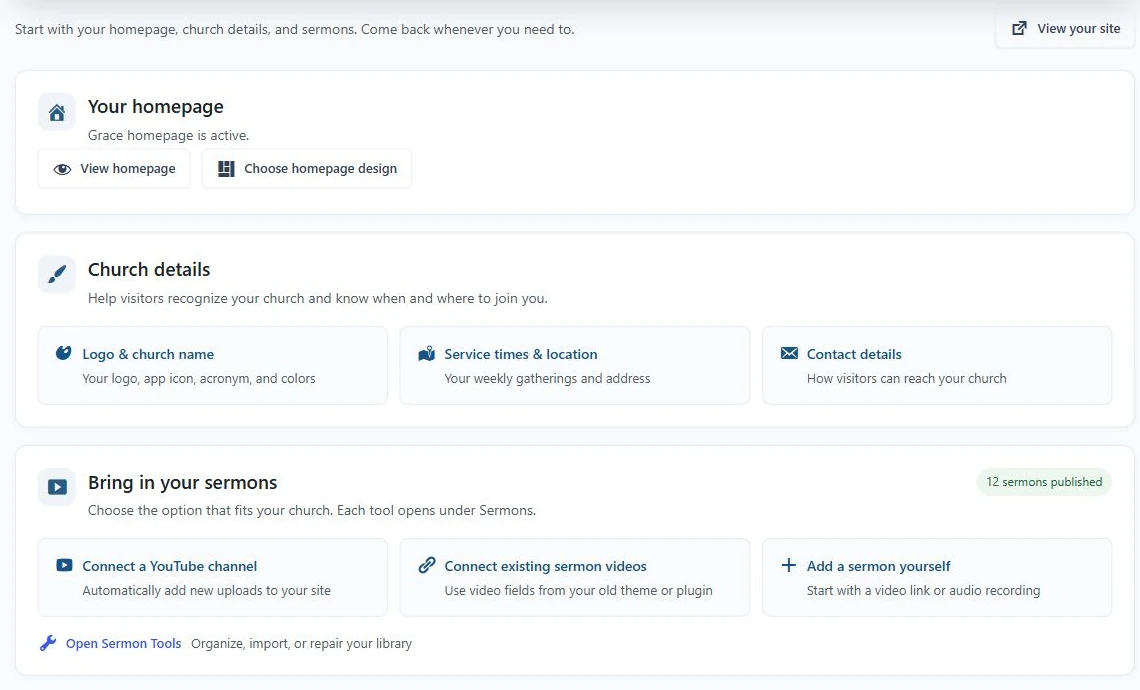
- Choose the homepage design.
- Enter your church identity and public details.
- Choose the sermon workflow that fits your existing content.